- On Desktop, copy the Calendar link from this or other pages
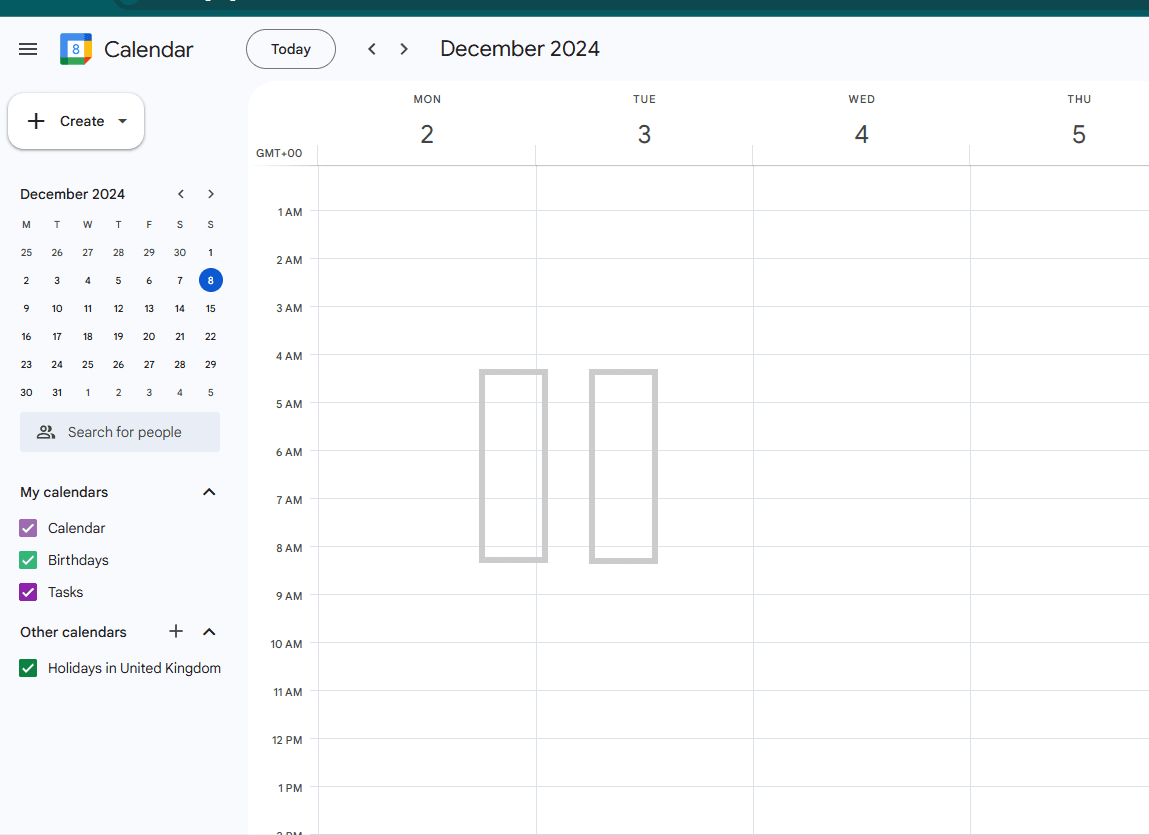
- Open Google Calendar
- Click + next to Other calendars
- Click From URL
- Alternatively, follow this link
- Paste the link copied to the URL of calendar field
- Do not make the calendar publicly accessible
- Click Add calendar
To our knowledge, it is not possible to do this on Mobile/Tablet currently.
Click the image to play